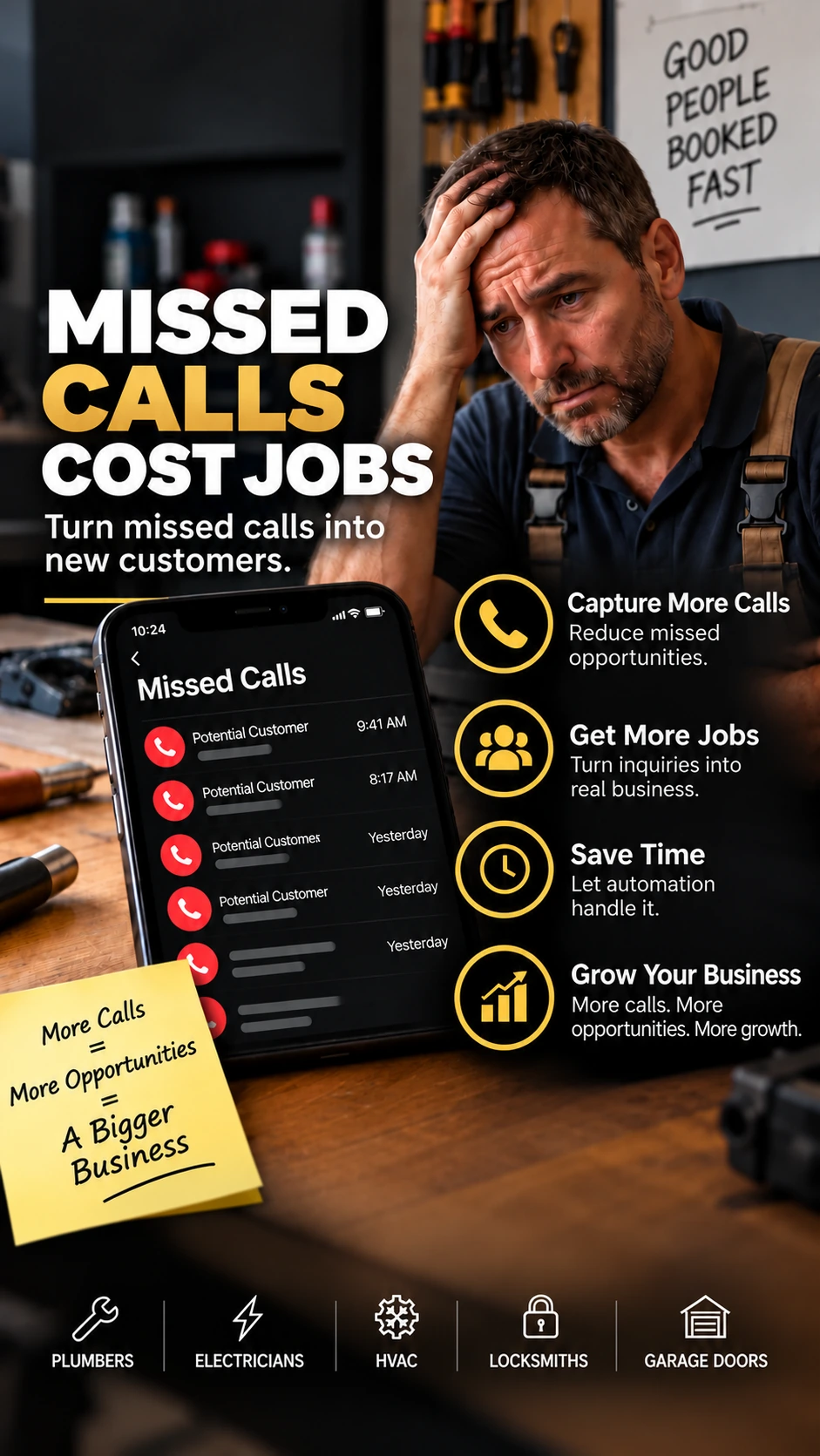
Check missed calls every day
Review your call history and voicemail. Separate genuine service inquiries from repeat calls or spam before estimating potential jobs.
When you are on a job or your shop is closed, customers still call. Compare an AI receptionist for home service businesses that may answer missed calls, collect job details and offer appointment booking based on your chosen setup. Especially useful to assess for plumbers, HVAC teams and local contractors.
Independent recommendation: AutomateNexus Voice is a third-party provider. If you sign up through our link, VARELIOX may earn a commission at no additional cost to you. Plans and availability are confirmed on the provider's site.
A missed call answering service for a small business can help handle calls when a technician is busy, the office is closed or the team is on another line. First decide which calls need coverage, then check whether AI or a human should handle them.
Provider-reported capabilities; setup, call routing and suitability depend on your business. Review the details and limitations ↓
You may be on a job, with a customer, driving, or closed for the day. The caller does not know why you could not answer — they only know the call was missed.
The 2026 analysis covered 16.7 million missed calls across Quo customers over three months. This is platform-specific data, not a guarantee for every business.
Use your own call log to explore a potential monthly opportunity. These assumptions are yours to change; the estimate is not a prediction that any service will recover the calls or win the jobs.
About 35 missed calls/month × 50% genuine inquiries × 25% close rate × $200 profit/job.
This is a hypothetical upper-bound scenario based on your inputs, not guaranteed recovered profit, actual ROI or evidence of conversion. Some missed calls are returned later without a paid service; an AI receptionist may recover fewer.
Compare the $49/mo Starting Plan →Provider's published starter plan: $49/month including 500 minutes, then $0.10/minute above that. This example excludes call volume charges, taxes, other expenses and changes in your existing callback workflow. Confirm prices with the provider.
Start with a few simple changes you can put in place today.
Tell callers exactly when they can expect a response. Add the same expectation to voicemail and after-hours messaging.
When you cannot answer, send a short text acknowledging the call and asking what the customer needs.
Set one or two fixed times each day to check unanswered calls so promising leads do not disappear in a busy schedule.
Make it easy to reach you by text, email or a simple contact option when calling is not convenient.
These steps do not require a paid answering service. Use the ones that fit your workflow and measure whether your callback rate improves.
Whether you're a plumber, HVAC contractor or local service provider, a clear callback process is useful even before you consider an answering service.
Review your call history and voicemail. Separate genuine service inquiries from repeat calls or spam before estimating potential jobs.
For example: “Hi, this is [business name]. Sorry we missed your call. How can we help?” Text only where permitted and appropriate for the caller.
Record the caller, service requested and callback date. You can start with a spreadsheet; our free guide to tracking leads without a CRM explains a simple system.
AutomateNexus Voice offers an AI receptionist for incoming calls, caller qualification and Google Calendar appointment booking. Compare its after-hours answering, team transfers and call records with your existing phone workflow. Availability and emergency handoff depend on the setup and plan you select.
See AI Receptionist Plans & Setup →
Designed to answer calls around the clock, based on the provider’s current feature page.
Identify and qualify potential customers.
Book directly to your calendar.
Keep a record and review conversations.
Integrate with the tools you already use.
Flexible for different business types and use cases.
Get started quickly and put your AI receptionist to work in minutes.
The AI answers your incoming calls, 24/7.
It asks the right questions and qualifies the caller.
It can route urgent calls or specific inquiries to the right person or team.
It schedules appointments directly to your Google Calendar (and more).
Choose based on who calls, when your lines go unanswered and who must handle urgent situations. Consider these real-world service-business workflows:
Compare an AI receptionist for home service businesses when crews are on site and the office line goes unanswered.
For an AI answering service for HVAC companies, test after-hours service requests, booking options and escalation of urgent no-heat calls to a person.
AI phone answering for plumbers may capture job details while a plumber is on a callout. Confirm how the provider handles burst-pipe emergencies.
Dental practices
Attorneys and legal practices
Agents and brokerages
Manage tenant inquiries and requests
Auto repair and maintenance shops
If you are comparing an after-hours AI answering service for contractors, focus on what the caller experiences and what your crew receives. A missed call can be an estimate request, a routine repair or something urgent. Those situations need different follow-up rules.
An after-hours plumbing answering service should capture the caller's name, callback number, address and issue. Ask the provider how urgent situations reach an on-call human; an AI conversation is not emergency advice.
When customers call about heating or cooling while technicians are on jobs, check how an AI answering service for HVAC companies records the request, shares it with staff and handles appointment availability.
Decide whether your team needs overflow-only coverage, nights and weekends, or all-day answering. Test call transfers, notifications and caller consent before forwarding your business number.
Before you subscribe: ask for a demo using a normal booking call and an urgent after-hours call. Confirm supported routing, fees, recording/consent rules and how staff receive the handoff. Features depend on configuration and provider terms.
Compare After-Hours Answering Plans →
Affiliate disclosure: VARELIOX may earn a commission if you purchase through this link, at no additional affiliate fee to you.
AutomateNexus Voice currently lists Call Catcher at $49/month, with 500 minutes included and $0.10 per extra minute. It is a month-to-month subscription. Check current features and final billing terms on the provider site before purchase.
Published provider pricing checked October 22, 2026; not a VARELIOX offer. Compare your call log, expected usage, call handoff needs, and local consent/privacy requirements before subscribing.
View $49 Plan & Sign-Up Options →Affiliate link: VARELIOX may earn a commission if you become a customer. There is no additional affiliate fee.
Quo’s 2026 missed-call analysis covered 16.7 million missed calls across its own customers over three months. That is useful directional evidence, but it is platform-specific and does not predict your business.
Source: Quo callback statistics.
AutomateNexus Voice’s official pricing and feature information was rechecked on October 22, 2026. The page currently lists Call Catcher at $49/month with 500 included minutes and month-to-month billing.
Official source: AutomateNexus Voice pricing.
AI call handling will not fit every workflow. Compare it with call forwarding, a human answering service, a disciplined voicemail/callback process or a manual text-back routine before choosing a paid option.
Get the VARELIOX Missed Calls Checklist by email and keep the action steps handy.
Checklist preview: set a callback expectation, send a fast text-back when you cannot answer, and review missed calls at fixed times each day.
Free resource from VARELIOX. Your email is used to deliver the requested checklist and manage the related email subscription. You can unsubscribe at any time. See the Privacy Policy.
See the source, methodology and limits behind the callback statistics used on this page.
Read the Insight →Simple actions and reminder options for businesses that depend on booked appointments.
Explore the Guide →Browse practical guides, templates and resources for small service businesses.
Browse Resources →Start with your own phone log. Count missed calls for a normal week, identify which were genuine prospects, and compare that with your average job value and normal close rate.
No. Some businesses only need coverage when nobody answers, after hours, or during busy periods. The right setup depends on your call volume and workflow.
AutomateNexus Voice says businesses can forward an existing number rather than replace it. Confirm the exact forwarding setup with the provider before changing your phone workflow.
Check call handling, escalation rules, appointment booking, integrations, pricing, data handling, and what happens when the AI cannot confidently handle a caller’s request.
It may be useful when calls arrive during service visits, evening emergencies or busy periods. Define your emergency escalation and callback rules before routing calls; AI should not replace qualified emergency advice or a human when escalation is needed.
Begin with calls that go unanswered during jobs, busy periods or after closing. Define the customer details to collect, when to book an appointment and when to transfer to a real person. Compare an AI receptionist with your current voicemail, call forwarding and human answering options.
It can be evaluated as overflow or after-hours coverage while your staff answer normal calls. Before buying, test phone forwarding, handoff to an on-call person and whether the chosen plan supports the routing you need.
Run two realistic scenarios: a routine quote or maintenance appointment, and an urgent out-of-hours request. Confirm which details are recorded, how appointments or transfers work, and what happens if a caller needs a human. The AI should not make unsafe emergency decisions.
The provider lists Call Catcher at $49/month including 500 call minutes, with $0.10/minute overage. Check its latest pricing and the scope of your plan before purchasing.
No. It is a scenario calculator using your own assumptions, not proof that missed calls become sales or that an AI receptionist can recover that amount.
See the provider’s demo, pricing, setup details and terms before deciding whether it is right for your business.
Explore Plans & Get Started →Provider pricing checked October 22, 2026. The link is an affiliate referral; VARELIOX may earn a commission if you buy. Verify details on the provider’s website before signing up.